Configuration Methods
Lobaro devices can be configured either locally — where you need physical access to the device — or remotely over-the-air once the device is online. For larger rollouts, remote configuration is the only practical approach.
Local Configuration
Any Lobaro device can be configured locally via a PC using the USB Config Adapter and the Lobaro Config Tool.
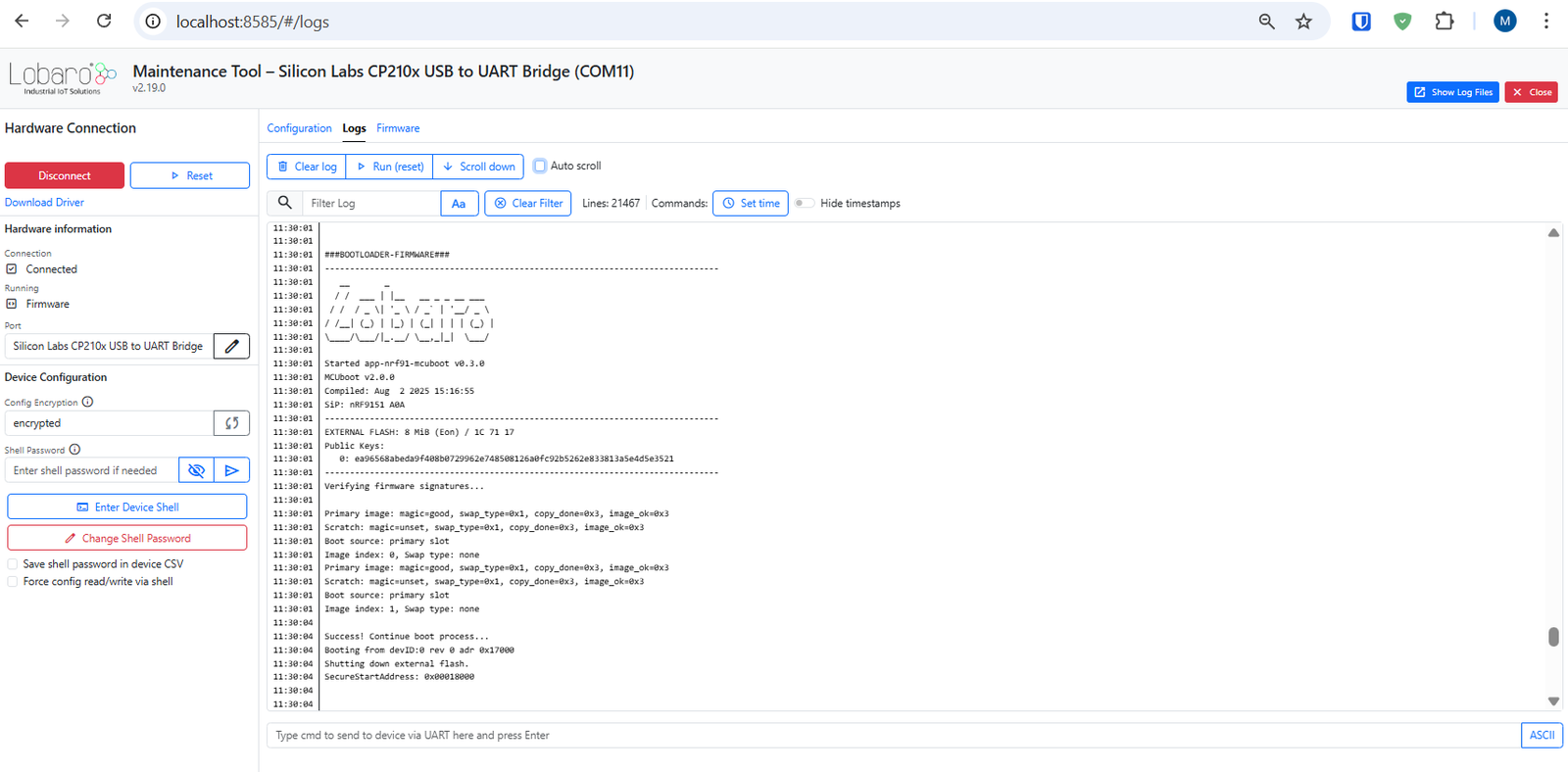
Some network-related parameters — such as the APN of the mobile cellular network provider — must be configured locally before the device can get online for the first time.
Remote Configuration
Once the device has connectivity, settings can be changed remotely over-the-air via the Lobaro IoT Platform, MQTT, or a LoRaWAN network server.
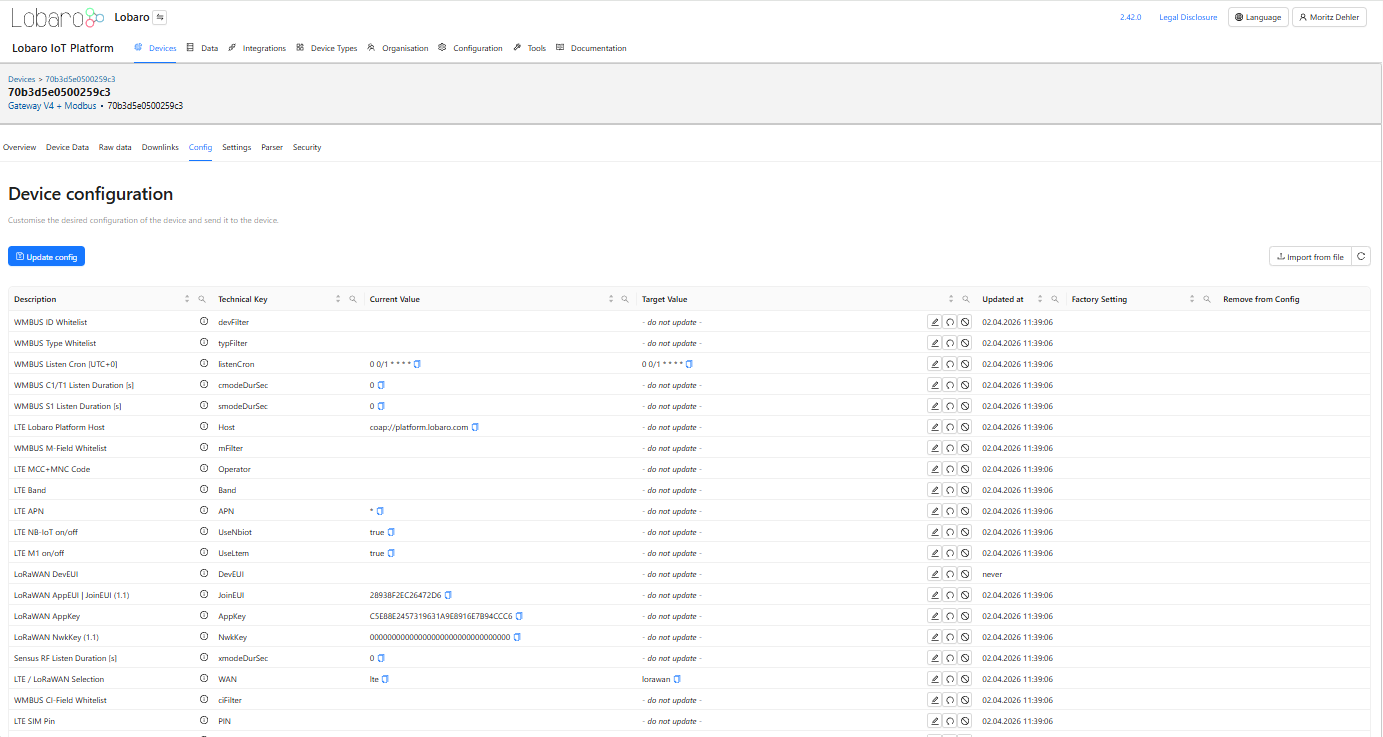
For larger orders, a customer-specific configuration can be installed by Lobaro during production provisioning — so devices arrive pre-configured and over-the-air configuration works out of the box.
Methods Overview
| Method | When to use |
|---|---|
| Local Config via USB | Initial setup, or when the device is physically accessible |
| Remote Config via CoAP | Change settings or switch to LoRaWAN on deployed NB-IoT / LTE-M devices |
| Remote Config via LoRaWAN | Change settings or switch to NB-IoT on deployed LoRaWAN devices |
| Remote Config via MQTT | 3rd party MQTT backend integration |