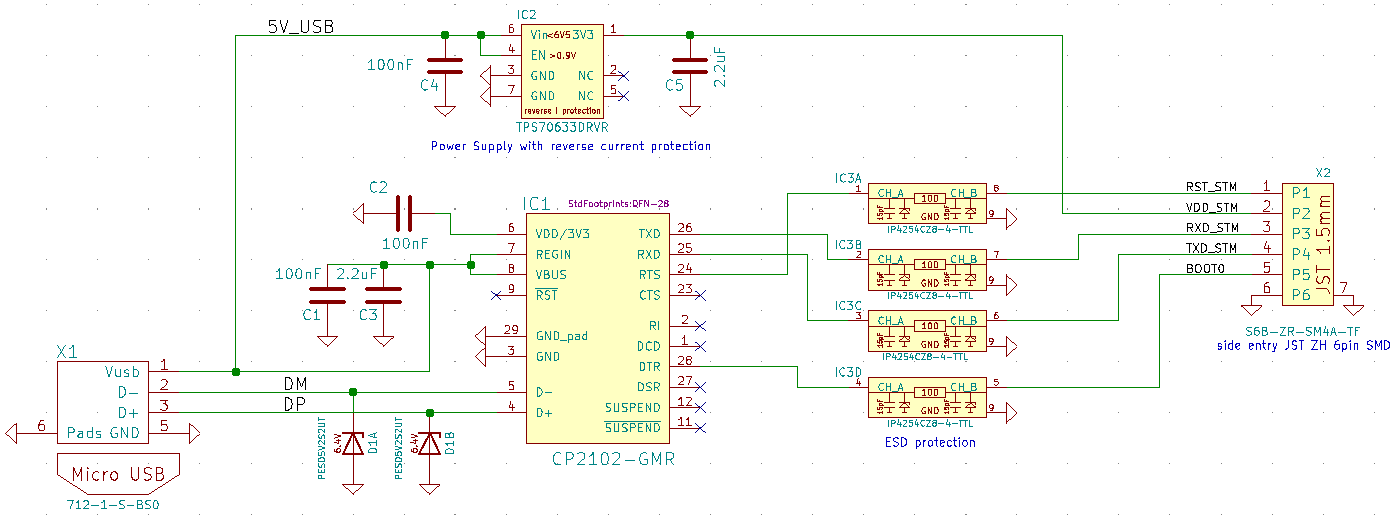
Lobaro USB Config Adapter
The Lobaro USB Config Adapter connects the configuration UART of Lobaro devices to a computer for local configuration, diagnostics, and firmware updates.
The adapter does not power the connected device. Always power the device externally during configuration.
USB Adapter V4.2
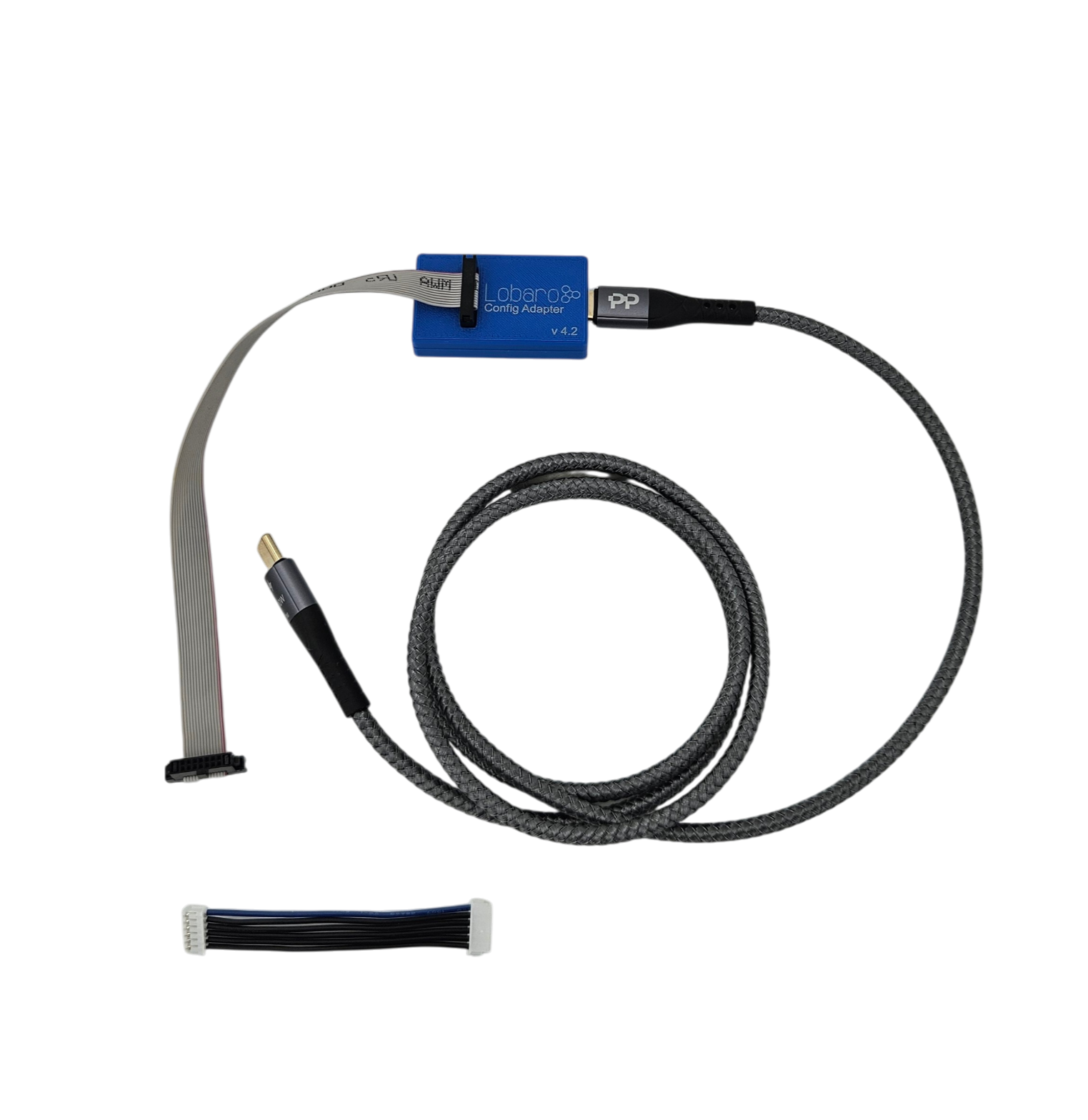
The USB Adapter V4.2 is the current generation and the recommended choice for new deployments. It ships with a USB-C cable, a 14-pin ribbon cable for Gateway V4 devices, and a 6-pin JST cable for older Lobaro devices (V3 and earlier).
Order code: 1201193
Driver & Installation
The FT231 USB-to-UART chip is natively supported by Windows, Linux, and macOS, so no driver installation is usually required.
If the adapter is not recognized automatically, download the FTDI driver from https://ftdichip.com/drivers/.
Features
- USB-C connection to the PC
- 14-pin ribbon cable for Gateway V4 Series
- 6-pin JST cable for Gateway V3 Series and older Lobaro devices
- Blue enclosure
Compatibility
- All Gateway V4 Series
- All Gateway V3 Series
- Hybrid Gateways
- Other Lobaro devices with 6-pin or 14-pin configuration ports
The adapter is fully supported by the Lobaro Config Tool.
Connecting the Adapter
Connect the adapter to your PC via USB-C.
- 14-pin socket — use for Gateway V4 devices with the 14-pin CONFIG connector
- 6-pin socket — use for older devices with the 6-pin JST-ZH CONFIG connector
The matching CONFIG connector is located on the device's PCB — refer to the product documentation for the exact position.
See Local Config via USB for the configuration workflow.
Compatible Products
Ordering
| Variant | Order code |
|---|---|
| USB Config Adapter V4.2 | 1201193 |
Contact sales@lobaro.de for orders.
Legacy Adapters
USB Adapter V4, V2 and V1 — discontinued
USB Adapter V4
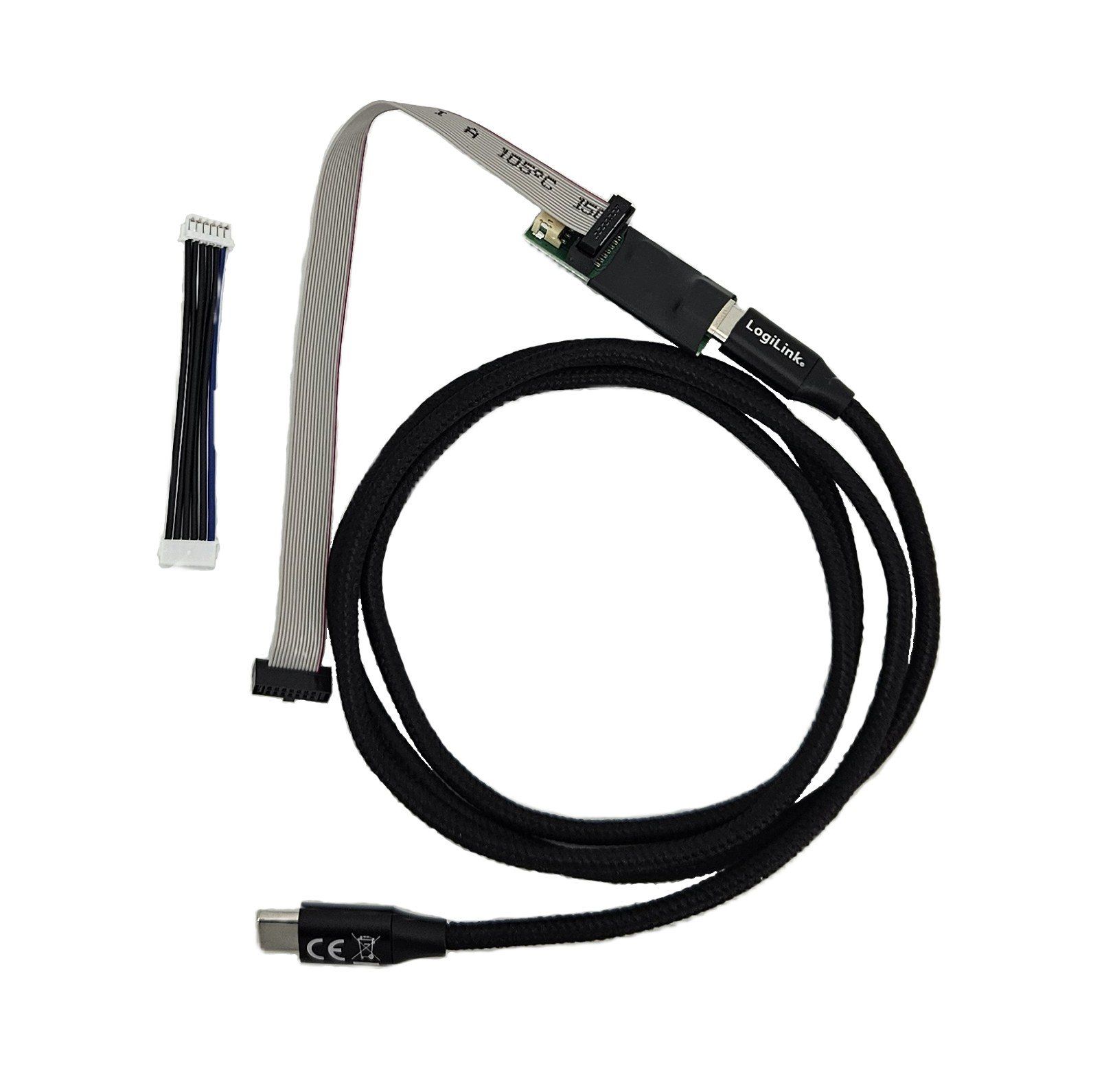
Order code: 1201195 (discontinued, replaced by V4.2)
There is no "V3" adapter. The naming jumped from V2 to V4 to align with the V4 product family.
Installation: The FT231 USB-to-UART chip is natively supported by Windows, Linux, and macOS. If not recognized automatically, download the FTDI driver from ftdichip.com.
Features: USB-C · 14-pin ribbon cable · 6-pin JST cable
Compatibility: Gateway V4 Series · Gateway V3 Series · Lobaro devices with 6-pin or 14-pin config port
USB Adapter V2
Order code: 1200342 (discontinued)
Installation: Requires the CP2102 driver from Silicon Labs.
Features: USB-C · 6-pin port · 12-pin port
Compatibility: Gateway V4 Series · Gateway V3 Series · Lobaro devices with 6-pin or 14-pin config port
USB Adapter V1
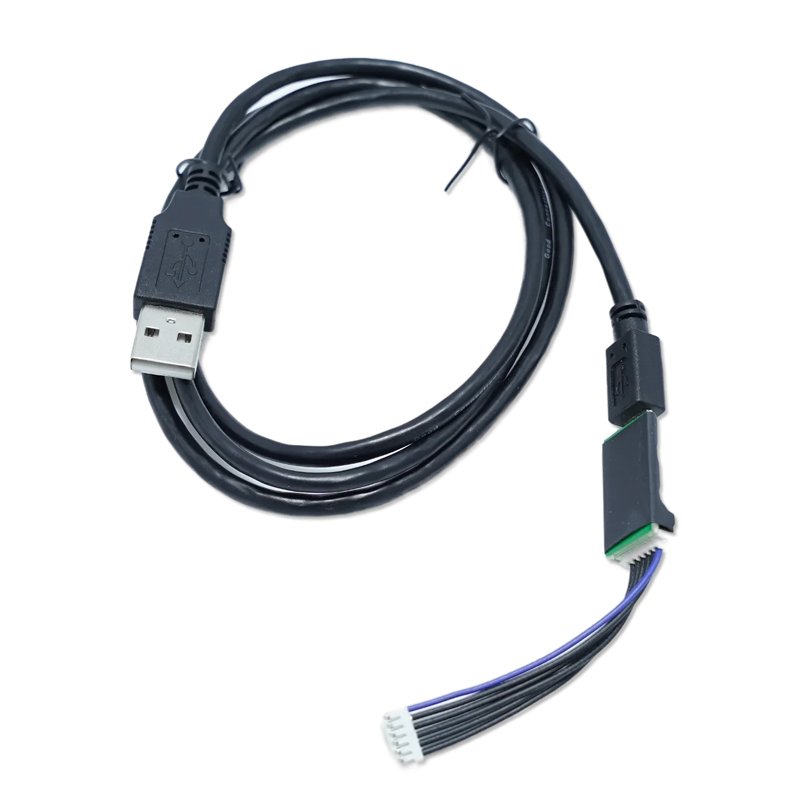
Replaced by V2 and V4. No longer sold.
Installation: Requires the CP2102 driver from Silicon Labs.
Features: Micro-USB · 6-pin port
Compatibility: Gateway V3 Series · Hybrid Gateways · Lobaro devices with 6-pin config port
Physical Connection
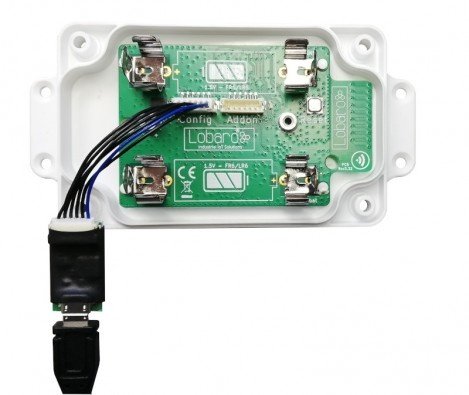
Plug the 6-pin connector into the socket labeled CONFIG on the device. See the product documentation for the exact connector location.
Control Lines
| Line | Low / true | High / false |
|---|---|---|
| DTR | Run firmware after reset | Run bootloader after reset |
| RTS | Chip in RESET mode | Run firmware / bootloader |
The Lobaro Config Tool handles these lines automatically. When using a third-party terminal, configure RTS/DTR correctly or cut those wires if not needed.
Connector
6-wire JST-ZH series connector.